Focus Field: eye exercises for the Quest, in seventeen minutes
At 01:42 on 21 November I made an empty folder called eye-training-vr,
opened Codex in it and wrote one line:
folder name says it all. must work on quest 3 via webvr. deploy it when done to /eyes and subdomain eyes.patrickreinbold.com already points there
Codex started by searching the disk for files and settings. Two minutes later:
why are you looking for files, hidden files etc..? it's a new blank project
, and
straight after, and more exercises please
. It had planned three. It made six,
and at 01:59 the page was live at the subdomain.
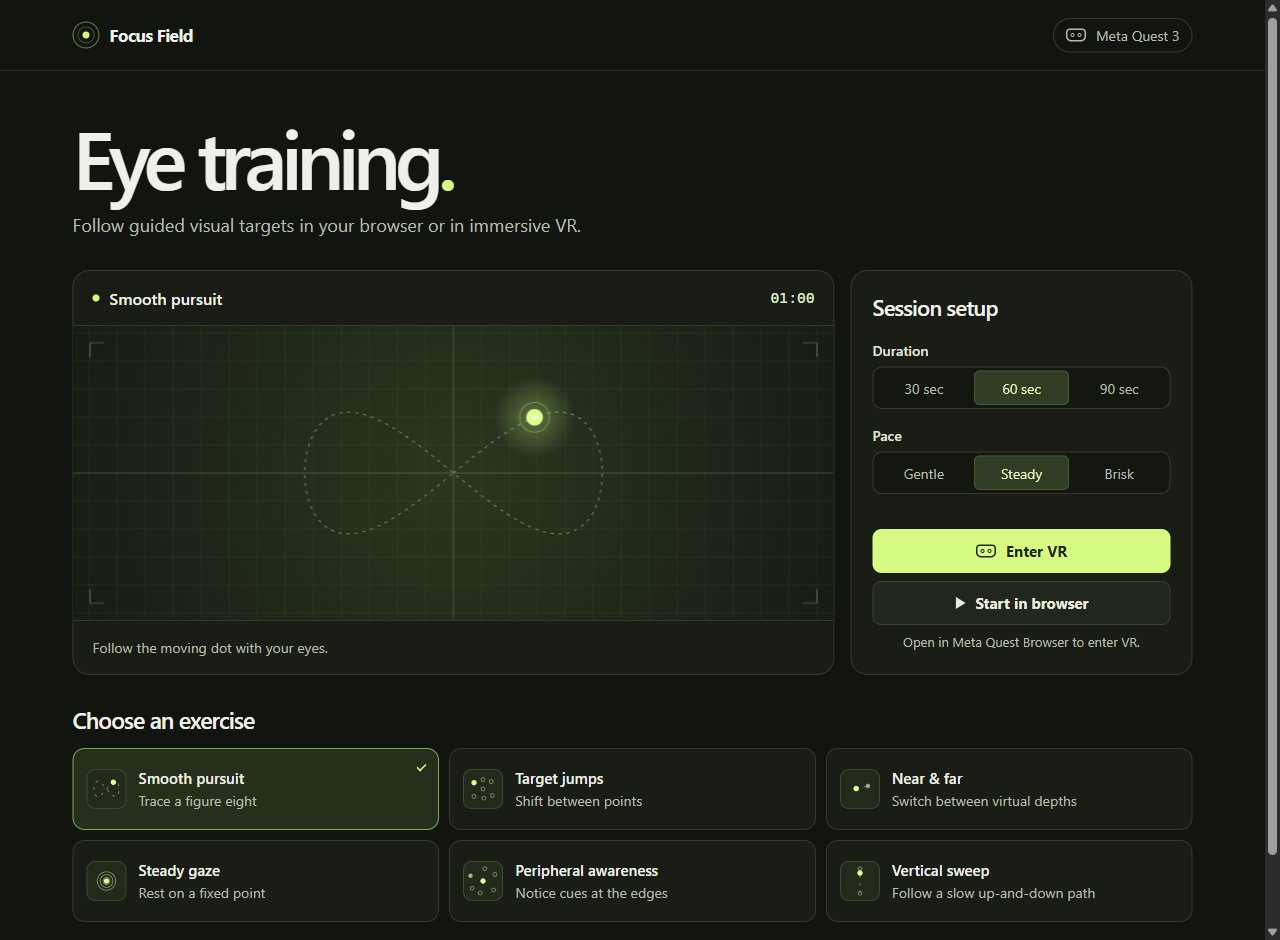
Six exercises
Smooth pursuit sends a dot round a figure eight. Target jumps moves it between seven
fixed points, a new one every second and a half. Near & far shows two dots and lights
one at a time. Steady gaze is one dot in the middle and the instruction to blink normally.
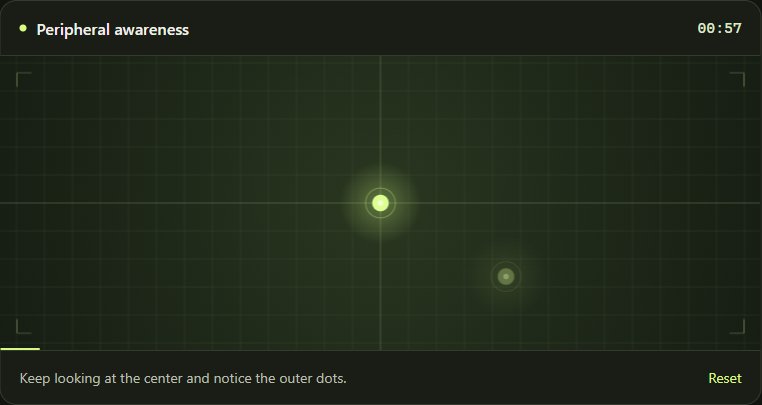
Peripheral awareness keeps a dot in the centre and fades cues in and out at the edges.
Vertical sweep is a slow up and down. Each runs for 30, 60 or 90 seconds after a
three-second countdown, at a gentle, steady or brisk pace. Nothing is scored and nothing
is stored: the footer says Sessions track elapsed time only.
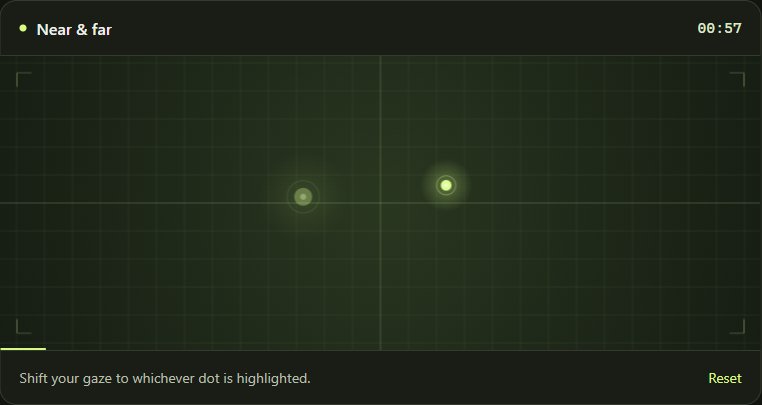
Near & far is the one that needs the headset. On a flat screen the two dots differ only in size. In VR they are placed at different distances, about one and a half metres and three and a half metres in front of you, so switching between them changes how far the eyes have to turn in toward each other. (The lenses keep the focus distance fixed, so it trains that turning, not focusing.) In the headset the controls are a panel floating below the field with Start, Recenter and Exit VR, and either controller's trigger starts and pauses.
- built
- Codex, 21 November, first prompt 01:42, live at 01:59
- runs on
- any modern browser; immersive VR through WebXR in the Meta Quest browser
- made with
- about a thousand lines of plain JavaScript, CSS and HTML; raw WebGL for the headset view, no libraries
- tested
- HTTPS and a simulated WebXR session with simulated controllers; not yet in a real headset
Still rough
It has not been in a headset yet. The local browser Codex tried to test with would not
start, so the VR side was checked only with simulated input, and its own report ended
with a physical Quest 3 test remain[s] unverified
. The pictures here are the
browser view, not the headset. Whether the two depths feel different enough, whether the
panel sits where the hands expect it and whether a minute is the right length are all open
until someone puts it on. It is a set of exercises to follow, not a treatment, and the page
says to stop if it feels uncomfortable.