An open PureRef, twice
PureRef is the program artists keep open next to their work: an endless dark wall you throw reference pictures onto, push around, scale and forget about. It is closed source and costs money. This is how the desktop half of Tack started:
I find it strange that pureref isn't open source or that they are even making money with it. let's create an open source alternative starting with Windows
A browser version already existed by then. The autopilot had built it the night before, and I took it over in another window a few hours earlier:
I love the product, let's launch it. one idea for later: signups and paid tier for syncing and sharing links to boards etc.. collaborating and whatnot. for now, a free pureref for the browser.
So for two days there were two Tacks being built side by side, and on the 28th they were moved into one folder.
What it is
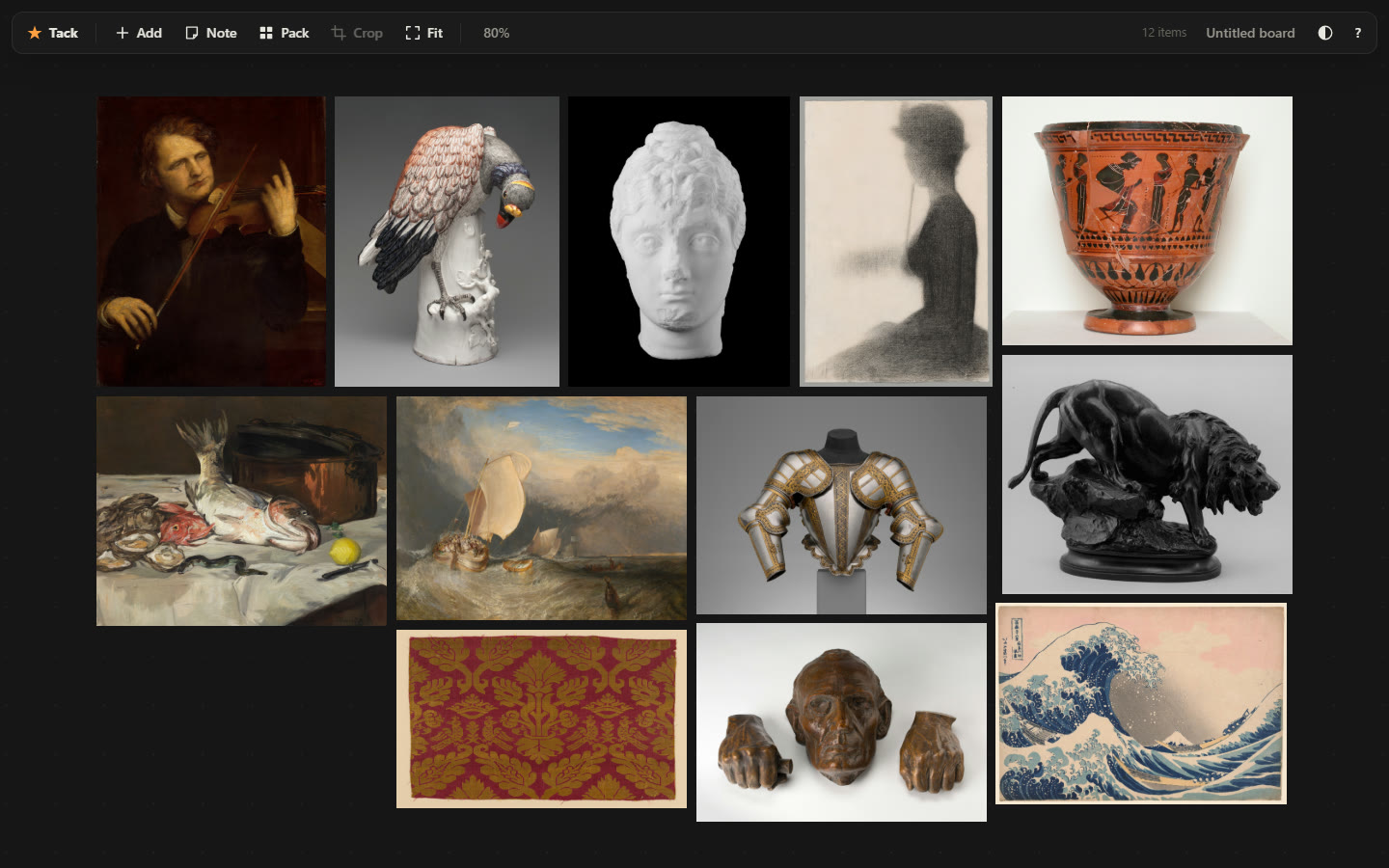
You drop images on the wall: from the desktop, from another browser tab, or pasted from the clipboard. Then you move, scale, rotate, crop, flip, grey them out, and double-click empty space to write a note. Pack tidies everything into a tight rectangle the shape of your window. Every board can be saved as one file with the pictures inside.
The browser version keeps its boards in the browser and works offline once it has loaded. There is no account and no image goes anywhere. It installs as an app if you want it to.
The Windows version is native, drawn on the graphics card, one executable. It has no title bar, because PureRef has none either:
one thing that is reallz cool about pureref is that it doesnt have a top bar... you know the one with the application name etc... can you get rid of it?
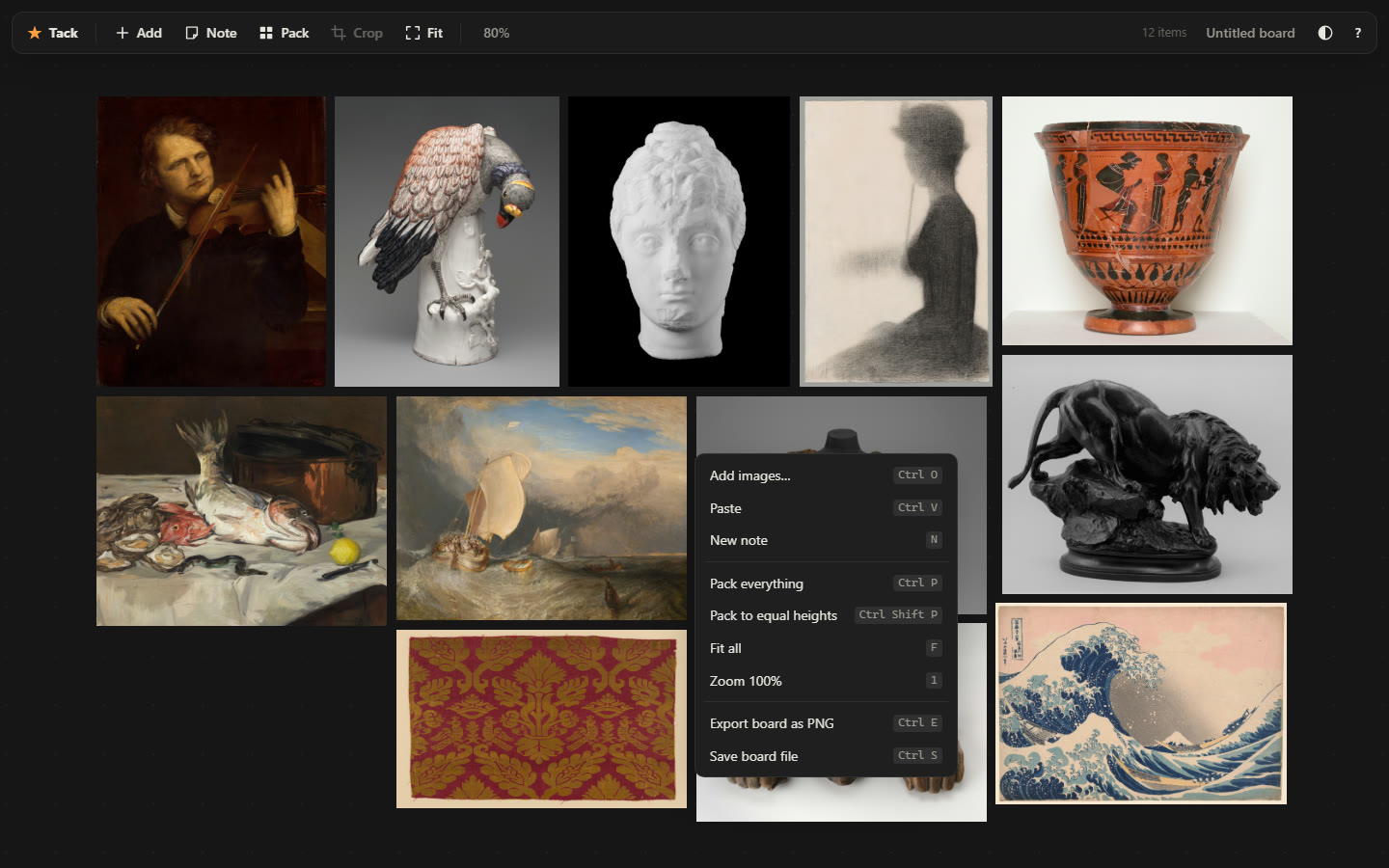
Without a title bar or menus, a new user has nothing to look at to find out what the program can do. The answer was the right-click menu:
things like how to move the window hotkeys will be self explanatory in there and also help show all the features off
- web app
- 1,837 lines of JavaScript, no framework, no build step, no dependency; MIT
- desktop app
- 5,411 lines of Rust with its tests, on wgpu, Windows only
- test walk
- 123 checks in a headless browser, plus 5 for the offline update
- live build
- tack-v10, 16 October
The file
Two programs that open each other's boards need a format, and on the 28th it had a
made-up name, .openref. I asked whether that was a real thing:
ok so... .openref is just as made up, right? I mean I would love to invent a data format that becomes the de facto standard
It became .tack: a ZIP with a one-line marker, a board.json,
and the original image files, byte for byte as they were dropped in. Rename a board to
.zip and the pictures are just there. Every file inside is dated 1 January
1980, so a board you save twice without touching it comes out identical.
A week later I gave it two real PureRef boards to convert and asked:
what can we do better in our fileformat that .pur got wrong?
The best answer is in the spec now. A .pur file stores the full path of
the folder it was last saved in. Send someone your board and you send them your user
name. A .tack stores nothing about the machine, the user or the time. It
does store where each picture came from, which is half of what a reference is for, and
the spec forbids a reader from ever downloading it.
The rule that keeps the two apps safe on one file: anything you do not understand, you keep. The web app has notes and the desktop app cannot draw them yet, so the desktop app carries them through a save untouched. A board saved by each side is checked into the other side's tests.
The name was nearly a domain:
yeah tack.art is only a measly 1900$ per year haha... any other ideas?
Still rough
It never got its launch. On the 28th I said why I was waiting:
as I do with all aps I publish, I first use them for one or two weeks myself and only then release just so I can test it well enough
The verdict a week later was first of all it works great! committable!
, followed
by a list: zoom in finer steps, and two fingers on a trackpad should pan. Both went in.
The launch page and its pictures are finished, but nothing was posted anywhere.
The desktop app is not published. It is installed on one laptop and has no public repository yet. Crop, notes and packing are still missing from it.
The public repository stops at 28 August. Everything since, including the written-out format spec, is live on the site but sits on a branch that has not been pushed.
The landing page says not one image leaves your machine, which is true. It also says there is no server to send anything to, and since 30 August the page counts visits. That sentence needs fixing.